
Key Takeaways
- Clear visuals make early garment feedback faster and more specific.
- Simple, readable sketches usually produce more useful visual results.
- Brief design notes reduce guesswork and preserve the original concept.
- Generated images support decisions, but do not replace technical development.
- Comparing controlled variations is more useful than accepting the first result.
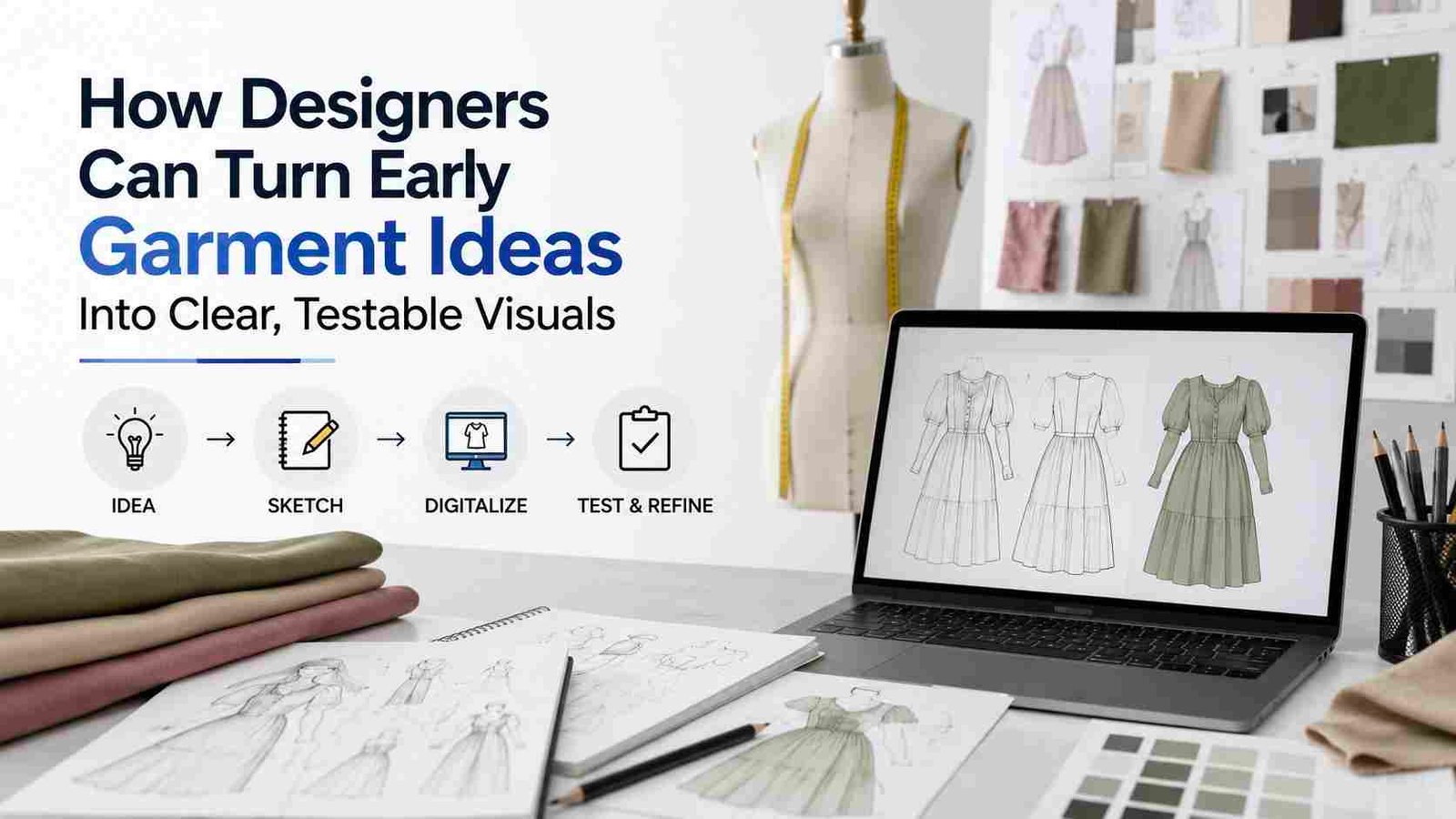
A promising garment idea can be difficult for anyone else to interpret from a rough drawing alone. Designers can use fashion sketch-to-image AI tools to turn an early concept into clearer visuals for reviews, presentations, and early sampling discussions, while keeping the original creative direction in their hands.
The purpose is not to make a digital image look like a finished product. It is to make design decisions visible sooner, so a team can question proportions, colors, details, and styling before investing time and money in physical samples.
Why Early Visual Clarity Matters?
A sketch may be clear to its creator but still leave a buyer, collaborator, or pattern maker asking basic questions. Is that jacket cropped or hip length? Is the collar structured or soft? Are the sleeves wide by design, or simply unfinished in the drawing?
A clearer visual gives reviewers something concrete to discuss. That matters because changing an idea before sampling is generally easier than revising a garment after materials, labor, and fit work are already involved.
What AI-Assisted Garment Visualization Can Show?
Visualization can help designers assess silhouette, neckline, sleeves, hems, pockets, closures, color combinations, and possible fabric mood. It can also place the garment in a clean studio view or on a model for proportion checks. It cannot prove real drape, comfort, construction, or fit. Still, the field is developing quickly. Recent sketch-based garment research has explored how abstract fashion sketches can be translated into garment imagery across multiple clothing categories.
Start With a Stronger Sketch
The source image shapes the quality of the result. A sketch does not need runway-level illustration skills, but it should communicate the key design choices. Use a clear front or three-quarter view, visible outer edges, readable seam lines, and notes for fabric, color, and intended length.
Photograph or scan it in even light, with enough blank space around the garment. Dark shadows, tilted camera angles, and busy backgrounds can make details harder for both software and reviewers to interpret.
Add Design Notes Before Generating Visuals
A brief gives the visual process useful boundaries. Name the garment type, intended fit, fabric family, key details, color direction, and overall mood. For example: “Relaxed cotton overshirt with a cropped hem, wide sleeves, large front pockets, and matte brass buttons.
” This is more actionable than asking for something “fashionable,” because it identifies choices a reviewer can actually confirm or revise.

Create Variations Without Losing the Main Idea
Use variations to test one decision at a time. Keep the silhouette and compare linen, denim, and twill. Keep the fabric and test three colorways. Hold the neckline steady while comparing short, long, and rolled sleeves.
A clean studio image may help evaluate details, while an on-model image can help assess scale. Name every version clearly, such as “contrast pocket,” “long sleeve,” or “olive twill,” so feedback stays organized.
Separate Visual Appeal From Production Feasibility
A polished render can create a false sense that a design is ready to make. After reviewing an image, ask whether the proposed fabric can support the shape, whether the closures suit the garment’s weight, whether the seams can be patterned, and whether the design will move comfortably on a real body.
Also, ask whether a factory can produce the details at the planned price. A render does not replace a tech pack, graded measurements, pattern development, fit sessions, material testing, or a physical sample review.
Use AI With Responsible Design Habits
Keep records of original sketches, instructions, selected versions, and manual edits. Be transparent when a visual was generated or altered, especially when presenting work to clients or production partners.
Designers should also review outputs for repetitive aesthetics, unrealistic body representation, or cultural references that do not belong in the concept. Research on ethical questions in AI fashion design highlights concerns involving transparency, bias, accountability, creative integrity, and the data behind AI-assisted decisions.
Build a Simple Review Workflow
- Define the goal: Decide whether the visual is for feedback, a pitch, a moodboard, or sample planning.
- Prepare the sketch: Clean the image and make major lines easy to read.
- Add a brief: Specify shape, material, color, and key details.
- Generate controlled options: Change only one or two variables per round.
- Review against the original: Mark what supports the idea and what drifts from it.
- Move into development: Turn approved concepts into technical documents before sampling.
Common Mistakes to Avoid
- Starting with a blurry, angled, or cluttered sketch photo.
- Adding too many conflicting instructions at once.
- Changing silhouette, fabric, styling, and color in a single test.
- Assuming realistic lighting means realistic construction.
- Ignoring movement, comfort, fabric behavior, and manufacturing limits.
- Presenting a concept image as a factory-ready specification.
How Small Teams Can Use the Process
Independent designers and small apparel teams can keep the process simple by using a single shared folder for sketches, briefs, versions, and decisions. During reviews, ask people to comment on one feature at a time.
For example, a small team developing an overshirt might compare three versions with the same body shape, then choose the preferred fabric direction and pocket layout before sending the concept into technical development.
Questions Designers Often Ask
Can a generated image replace a fashion sketch?
No. It can extend a sketch and make it easier to discuss, but the original drawing often captures intent, construction clues, and personal design language more directly.
Can AI show the exact fabric?
It can suggest texture and drape, but a screen image cannot confirm hand feel, weight, stretch, transparency, durability, or performance.
What should happen after a visual is approved?
Move into measurements, construction details, material selection, pattern work, fit testing, and physical sampling.
Conclusion
AI-assisted garment visualization is most useful between the initial idea and the first serious production decision. It allows teams to quickly explore silhouettes, colors, patterns, fabrics, and styling options, making it easier to compare concepts and eliminate weaker directions early.
Clear visual references can also improve communication among designers, manufacturers, and clients by providing a shared understanding of the intended result. However, AI visuals should remain a design aid rather than a replacement for professional judgment. The final garment still depends on accurate measurements, technical specifications, material knowledge, construction methods, and hands-on testing to confirm fit, comfort, durability, and appearance.