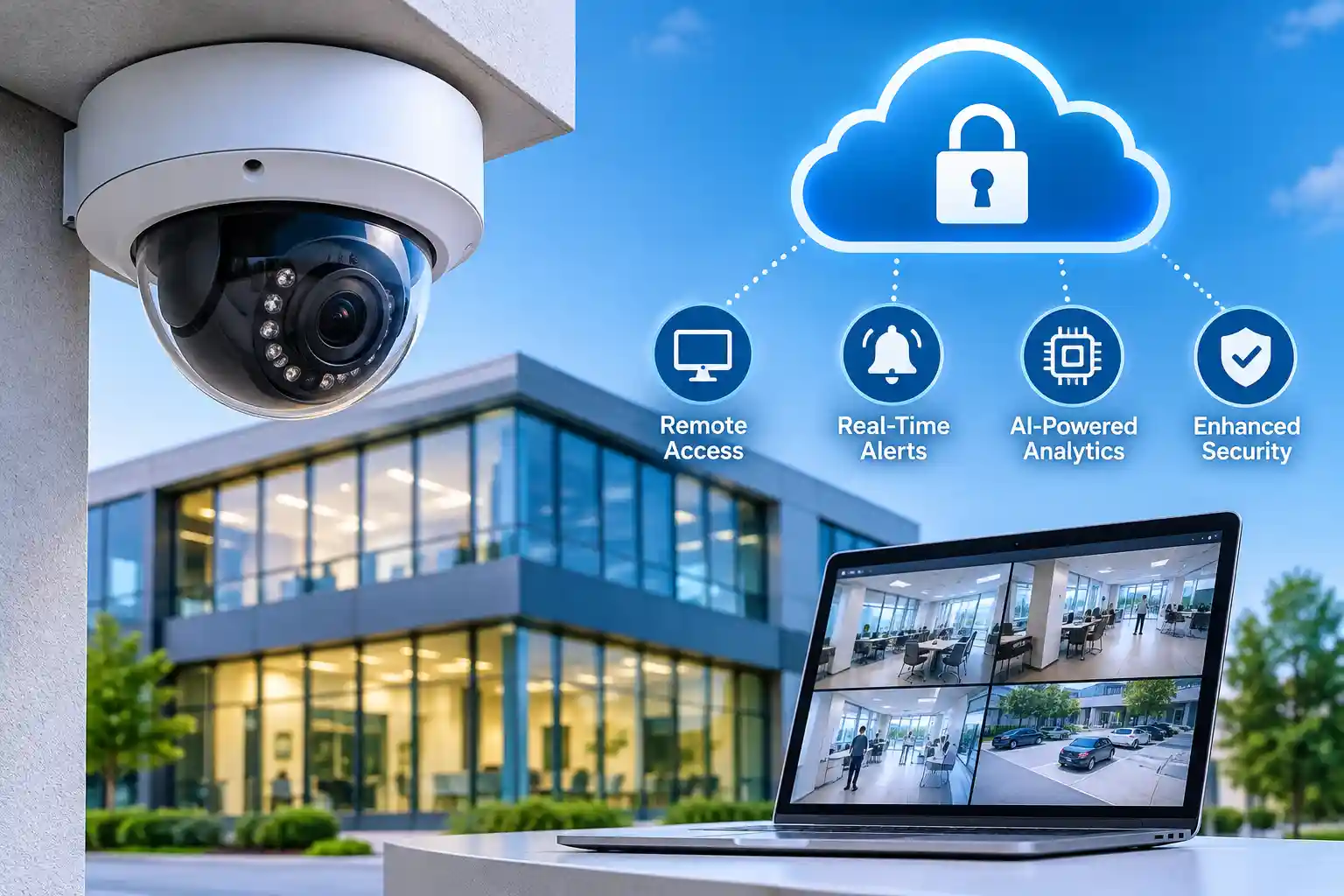

When a delivery goes missing, the warehouse manager might know which truck arrived but have no idea which camera captured the handoff. An AI video search can give them a place to start. Cloud management lets someone at headquarters review and share the footage without waiting for the site manager to export it.
In its 2026 Impact of Theft & Violence report, the National Retail Federation found that surveyed retailers recorded 12.4% fewer shoplifting incidents and 8.1% fewer merchandise theft incidents in 2025 than in 2024. Respondents also reported increases in some other forms of theft and fraud, including cargo and supply chain theft. For businesses that operate both stores and warehouses, the findings highlight how investigations can start anywhere from the checkout to the loading dock.
The most important buying question is where your footage lives. Some systems record to cameras or an on-site recorder and use the cloud for remote access. Others offer continuous off-site recording or cloud archiving for selected clips. This guide compares seven providers by camera compatibility, AI search, storage, and pricing, using vendor documentation and available US list prices as of November 2026.
The 7 best cloud-based AI security camera systems at a glance
| Rank | Provider | Best fit |
| 1 | Coram AI | Adding AI search to existing IP cameras |
| 2 | Verkada | Buying cameras and software from one vendor |
| 3 | Eagle Eye Networks | Setting different cloud retention periods across a mixed camera fleet |
| 4 | Avigilon Alta | Rolling out new cameras while keeping some older ones |
| 5 | Rhombus | Comparing published hardware and license prices |
| 6 | OpenEye | Investigating retail transactions alongside video |
| 7 | Spot AI | Reviewing workplace safety events in warehouses and factories |
1. Coram AI for upgrading existing IP cameras
Coram AI is our first pick for businesses that want to add AI search to their existing or new business security cameras. Its cloud NVR connects compatible IP cameras to the Coram Point recorder and gives staff access through a browser or mobile app. Teams can describe what they’re looking for and search across cameras. Coram cites cold storage operator SnoTemp as a customer that reused its existing cameras during the upgrade.
What to check before buying. Request a quote for your camera count and recorder configuration. Ask how long routine recordings are retained, how footage gets archived in the cloud, and which recordings remain available if the local recorder fails.
2. Verkada for a new installation
Verkada suits businesses that want cameras, cloud management, and AI search from one vendor. Its Command platform lets users search for people or vehicles using descriptions. Businesses can also connect compatible third-party cameras through a Command Connector, with a separate license required for each connected channel.
What to check before buying. Verkada lists its CB53-E outdoor bullet camera at $1,899 US MSRP for hardware, with licensing sold separately. Ask for a quote that shows onboard retention and off-site backup separately, including the recording quality available from each.
3. Eagle Eye Networks for configurable cloud retention
Eagle Eye Cloud VMS lets buyers group cameras by resolution and retention needs, then size a Bridge or Cloud Managed Video Recorder around those requirements. Smart Video Search lets staff describe a person, vehicle, or object and look for it across cameras and sites. This is a practical fit for a business that wants to keep loading dock footage longer than footage from lower-priority areas.
What to check before buying. Ask the reseller to quote each camera group separately and estimate upload bandwidth at each site. Have them demonstrate what continues recording if the internet goes down.
4. Avigilon Alta for phased camera upgrades
Avigilon Alta Video supports cloud-native cameras and brings compatible third-party cameras into the platform through Alta Cloud Connectors. That gives businesses the option to install new cameras at one site while upgrading others in phases. Its AI appearance search can narrow footage by object type and characteristics such as color.
What to check before buying. Each camera requires a base cloud license. Ask the reseller to itemize connector hardware, extended cloud storage, and any separately licensed analytics. Test the features you need on a camera model you intend to keep.
5. Rhombus for comparing published prices
Rhombus publishes hardware and license prices and offers AI video search using plain-language descriptions. Its R520 Mini Bullet was listed at $999 with a $149 one-year Professional license, bringing the displayed configuration to $1,148 per camera before installation.
What to check before buying. The published Professional configuration excludes cloud archiving and certain AI features. Price the tier that includes the capabilities you plan to use, and confirm whether archiving covers saved clips or continuous footage.
6. OpenEye for retail transaction investigations
OpenEye’s POS Connect links point-of-sale transactions with the corresponding video. A loss prevention manager can start with a refund or void and review what happened at the register. OpenEye also offers AI Visual Search for cases where the investigator has a description of the event but no transaction record.
What to check before buying. POS Connect is licensed per terminal, and some local POS integrations require an on-site recorder. Have the reseller demonstrate your exact register integration and include the necessary recorder and licenses in the quote.
7. Spot AI for warehouse and manufacturing safety reviews
Spot AI suits businesses that want to use the same cameras for security investigations and safety reviews. Its documented workflows include forklift near-miss alerts and restricted-area monitoring. The Intelligent Video Recorder processes footage on-site and provides local storage, while staff can view and search across locations from a cloud dashboard.
What to check before buying. Ask the vendor to itemize the recorder, connected cameras, and AI workflows. During a pilot, count how many alerts your team acts on and how many it dismisses. That gives you a better basis for deciding which alerts to roll out across sites.
How to compare quotes and test the AI
Give each vendor the same camera inventory, retention requirements, and contract term. If you have 60 cameras, a difference of $50 per camera per year adds up to $9,000 over three years. Include installation, recorder hardware, licenses, cloud storage, and integrations so you can compare the full cost.
Then give each vendor the same investigation to run. For example, ask a manager to find and export footage of a delivery van that arrived between 2 and 4 p.m. Track how long the search takes and whether the results include the right clip. If off-site recovery matters, have the vendor play back a cloud copy with the local recorder disconnected.
Frequently asked questions
Can businesses add AI to existing security cameras?
Yes, if the platform supports the camera models and video streams. Send the provider an inventory and test the AI features on a representative older camera before buying. A successful live view only confirms that the platform can display the stream.
Does a cloud-based camera system store all footage online?
It depends on the configuration. Some systems record on-site and provide remote access through the cloud. Others back up selected clips or store continuous footage off-site. Ask where full-resolution recordings live and how long they’re available in each location.
What’s the difference between AI video search and AI alerts?
AI video search helps staff find footage after an incident. AI alerts notify staff when the system detects an event they’ve configured. Test search by timing a real investigation, and test alerts by measuring how often they surface an event that needs attention.
Which system should your business choose?
If you already have working cameras, start by pricing an upgrade that reuses them. If off-site recovery is your priority, compare exactly what each system uploads and how long it keeps that footage. And if staff regularly spend time chasing down clips, choose the system that helps them complete a real investigation faster at a cost you can justify over the full contract.